
Astro, Next.js or WordPress: choose around the work
Compare publishing, marketing and application needs through editing workflow, operations and ownership rather than framework slogans.
The appropriate platform depends on what the site does, who edits it and who operates it after handover. Astro, Next.js and WordPress can support business websites, but their delivery and maintenance patterns differ. Search quality depends on useful content, accessible HTML, URLs and real performance rather than a framework-specific ranking bonus.
| Need | Options to assess | Decision question |
|---|---|---|
| Corporate or campaign content | Astro or a scoped WordPress implementation | How often does the team edit, and which CMS fits? |
| Login, roles and operational data | Next.js or a maintainable application stack | Are permissions, APIs and operations defined? |
| Editorial self-service | WordPress or a CMS connected to Astro/Next.js | Who previews, approves, publishes and maintains extensions? |
| Ecommerce | Standard commerce platform or justified custom flow | Does catalogue, inventory, payment and fulfilment fit? |
Astro: content first, selective interaction
Astro produces HTML and lets developers add browser JavaScript where interaction requires it. This suits many marketing and content sites and helps control frontend overhead. It still requires considered images, fonts and third-party scripts. If the business edits content, define a CMS and preview/publish process rather than assuming the framework supplies every editing capability.
Next.js: evaluate ongoing UI and data workflows
Next.js provides React Server and Client Component patterns. It can suit a team building portals or permission-aware workflows, but is not required for every corporate website. Client boundaries, caching and backend access must reflect the data and user roles. Selecting Next.js alone does not make a system fast, safe or straightforward to operate.
WordPress: assess publishing and required extensions
WordPress offers a block editor and a theme/plugin ecosystem. Fit depends on the editors and workflow the business needs. Review necessary plugins, updates, backups and hosting capability. When an existing site is slow, diagnose its theme, media, plugins and scripts before concluding that the entire platform must change.
Costs beyond visual design
- CMS, hosting, preview and editor access
- Historical content, URL migration and tested redirects
- Dependency/plugin updates and regression review
- Backup, restore, monitoring and incident ownership
- Code, accounts and documentation for a future maintainer
Two illustrative decisions
A bilingual B2B company with service pages, work and occasional edits may assess Astro with a suitable CMS or a custom WordPress design. A multi-branch appointment product with staff permissions, confirmation rules and live operational dashboards requires application architecture. Its platform cannot be chosen from the hero design alone.
When should an existing website migrate?
Migration can be justified when the current system materially obstructs important work and extending it no longer makes sense. Include content and URL migration, editor training and transition operations in the comparison. Ask for an audit and compare repair against replacement. Forms, analytics, canonicals and redirects require verification in either route.
A platform proposal checklist
- Separate public pages, member features and user-specific data
- Show the editing tasks your team performs regularly
- Ask for the chosen stack’s relevant benefits and tradeoffs
- Agree a performance budget and mobile verification method
- Itemise annual costs and account handover
Explore Valcot Partners’ company information structure →
Explore MeQueue as an application workflow →
Scope business website development →
References
Astro — Why AstroNext.js — Server and Client ComponentsWordPress — Block EditorRelated services, work and guides
Business websites built for clarity, speed, SEO and growth
Strategy, content structure, UX/UI and Astro development brought together in a fast, measurable website your team can own.
Explore Business websites built for clarity, speed, SEO and growth →
Valcot Partners
A corporate website that makes services, process and essential information easier to evaluate while presenting a confident, professional brand.
Explore Valcot Partners →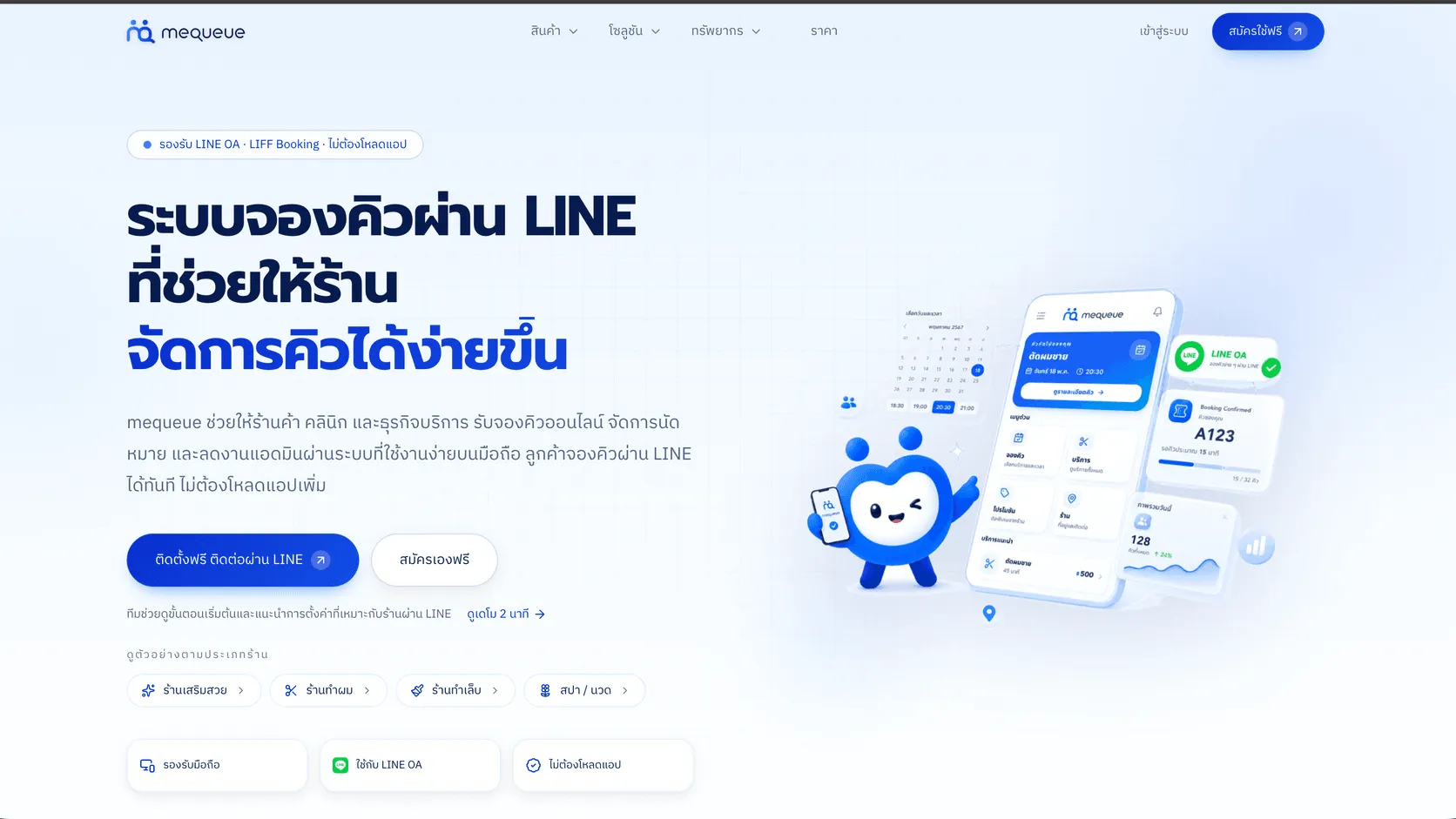
MeQueue
A LINE-based queue and appointment platform for service businesses, with a mobile booking flow for customers and appointment management for staff.
Explore MeQueue →What a Company Website Needs Before Design and Development
A business-owner checklist covering goals, structure, content, trust, SEO and measurement before launching a company website.
Explore What a Company Website Needs Before Design and Development →How Much Does a Website Cost? The Factors That Shape Pricing
A transparent look at website pricing factors—from scope, content and languages to CMS needs, migration and annual operating costs.
Explore How Much Does a Website Cost? The Factors That Shape Pricing →