
Web application requirements: a brief you can estimate and accept
Turn workflows, roles, data, integrations and failure cases into an estimable brief, with a worked appointment example and acceptance checklist.
A brief that asks for “a dashboard like this screenshot” does not explain the work, permissions or data sources. Before requesting a web application estimate, describe one complete journey from input to the team that uses the result. The document can be short, but it must make constraints and acceptance visible.
1. Start with the work and its users
Choose the most important first-release workflow. State who starts it, what they do, which information they need and who takes over. An appointment journey might run from customer request to staff schedule review, confirmation, notification and attendance recording. Separate automated actions from human decisions. A complete small workflow is more useful than several disconnected screens.
| Decision | Information to agree | Example acceptance |
|---|---|---|
| Roles | Customer, operator and manager access | Customers see their own requests; staff edits only assigned branches |
| States | Requested, confirmed, cancelled; authorised transitions | Submission creates a request; confirmation requires staff action |
| Conflicts | Competing requests for the same slot | The second confirmation reports unavailable capacity without replacing the first |
| Integrations | Schedule, LINE or email APIs | Notification failure preserves the request and allows a controlled retry |
2. Identify sources and data ownership
Provide anonymised samples showing required fields, references and relationships. If the business uses several spreadsheets, agree which is authoritative, who edits it and how much history should migrate. Copying all files into a database without reviewing duplicates, units or states also copies existing operational problems.
- What is stored, which task needs it and who may access it?
- Which stable reference connects records instead of ambiguous names?
- Which source wins when systems disagree?
- What is migrated, deleted or retained, and who approves the decision?
3. Distinguish ready integrations from discovery work
“Connect the current system” requires API documentation, test access, authorised accounts, limits and operating fees. Specify one-way or two-way synchronisation, update frequency and repeated-event handling. When documentation is missing, scope discovery before committing to implementation. This exposes uncertainty rather than burying it in a fixed development figure.
4. Describe failure alongside success
For each journey, explain what happens to incomplete input, denied access and unavailable APIs. Retrying must not duplicate work: submitting twice should not create two appointments. Where the software cannot safely decide, route the case to a reviewer with its reason and original reference. A success message should represent an actual completed step.
5. Define user acceptance and handover before contracting
User acceptance checks whether the system supports business work. It requires responsible users and realistic inputs, not only clickable buttons. Write preconditions, actions and expected results together. Agree the review environment, decision owner and issue-closing rules. Distinguish a defect against the approved scope from a new feature request.
- Critical workflows work on the agreed mobile and desktop devices
- Permissions, repeated data, API failure and recovery are covered
- Source, hosting accounts, deployment and backup responsibilities are documented
- Bug coverage, support scope and change-request handling are defined
6. Compare proposals against the same requirements
Give every team the same brief and ask for inclusions, exclusions, assumptions and unresolved discovery. Screen count or framework choice cannot explain the total scope. A lower estimate may omit migration, permission checks or failure monitoring. Compare the completeness of the first released workflow and who operates it afterwards.
Explore MeQueue and its appointment workflow →
Scope a web application project →
References
OWASP — Application Security Verification StandardRelated services, work and guides
Web application development for workflows, dashboards and business systems
Turn work scattered across spreadsheets, chat and disconnected tools into a role-aware application built around your actual process.
Explore Web application development for workflows, dashboards and business systems →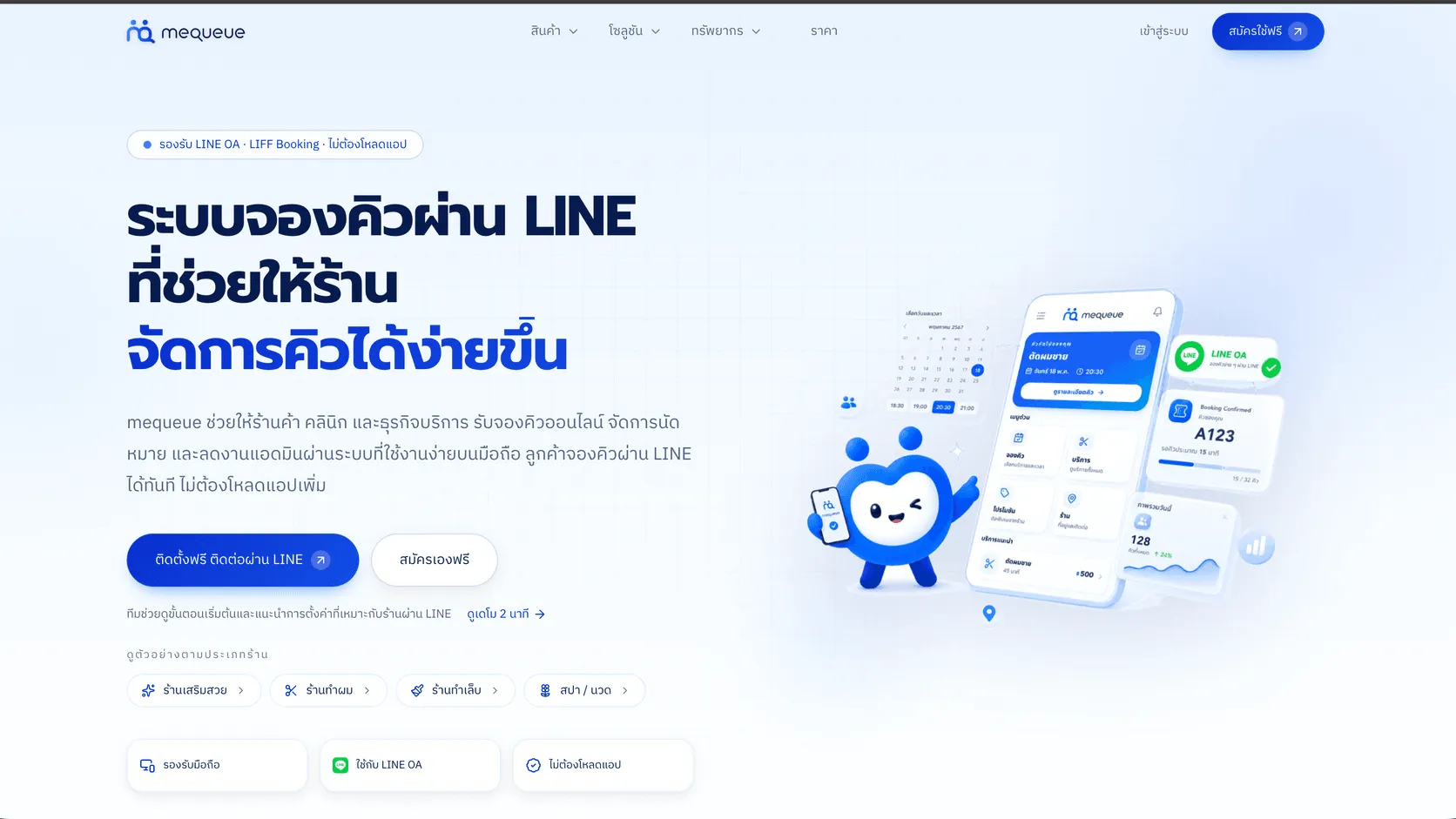
MeQueue
A LINE-based queue and appointment platform for service businesses, with a mobile booking flow for customers and appointment management for staff.
Explore MeQueue →Website vs web application: what does your business actually need?
A practical way to separate a communication-led website from a data and workflow-led web application before scoping a project.
Explore Website vs web application: what does your business actually need? →