
Website vs web application: what does your business actually need?
A practical way to separate a communication-led website from a data and workflow-led web application before scoping a project.
Websites and web applications both run in a browser, so the terms are often used interchangeably. The useful distinction is not visual—it is the job people come to complete and the data behind it.
A website supports communication and decisions
A corporate website explains the brand, services, work and next step. Visitors primarily read rather than edit data. A CMS, form or integration may be present, but communication remains the core journey.
A web application supports work with data
A web application lets people create records, manage status, approve actions, make payments or produce reports. That introduces roles, permissions, validation, audit logs, security and failure states beyond a typical marketing site.
Many businesses need both
A public website can attract and educate while a secure portal handles customer work. Keeping their responsibilities clear can simplify security, performance and ownership even when the two experiences feel connected.
Questions to answer before requesting a quote
- What must each user type be able to complete?
- Where does the data come from and who can change it?
- Which external systems need to be connected?
- What is the smallest release that can prove value?
If the scope can only be described as a list of screens, the workflow and data model still need discovery.
Trace the workflow before choosing the system
| Area | Presentation website | Web application |
|---|---|---|
| Data | Public information by page/language | User-, role- and state-specific records |
| Action | Enquiry passed to a team | Recorded business transitions and rules |
| Tests | Content, links, forms and mobile | Permissions, repeated input and recovery |
| Operations | Content, media, CMS and hosting | Data, APIs, monitoring and releases |
A corporate site can have forms and a CMS without becoming the organisation’s operating system. Appointment work requires scheduling and staff permissions. Compare MeQueue’s operational context with Valcot Partners’ company presentation. Both patterns can coexist through clear public and authenticated boundaries.
Define an MVP as a complete workflow
Choose one journey, its input, authorised users and the result required downstream before adding many dashboards. Include invalid data, repeat submissions and external-service failures alongside success. Otherwise the estimate can appear smaller by excluding essential operational behaviour.
See the distinction through real project briefs
Valcot Partners illustrates a website that organises advisory services for buyer evaluation. MeQueue separates the customer’s LINE booking journey from the merchant workspace. Use these briefs to discuss whether you need to explain information or operate a data workflow, then scope your own requirements separately.
Explore the Valcot Partners website brief →
Explore the MeQueue application brief →
Scope a web application around roles and workflows →
Related services, work and guides
Web Application Development for Business in Thailand
Booking systems, portals and internal web applications built around your business workflows, with defined roles, integrations and acceptance criteria.
Explore Web Application Development for Business in Thailand →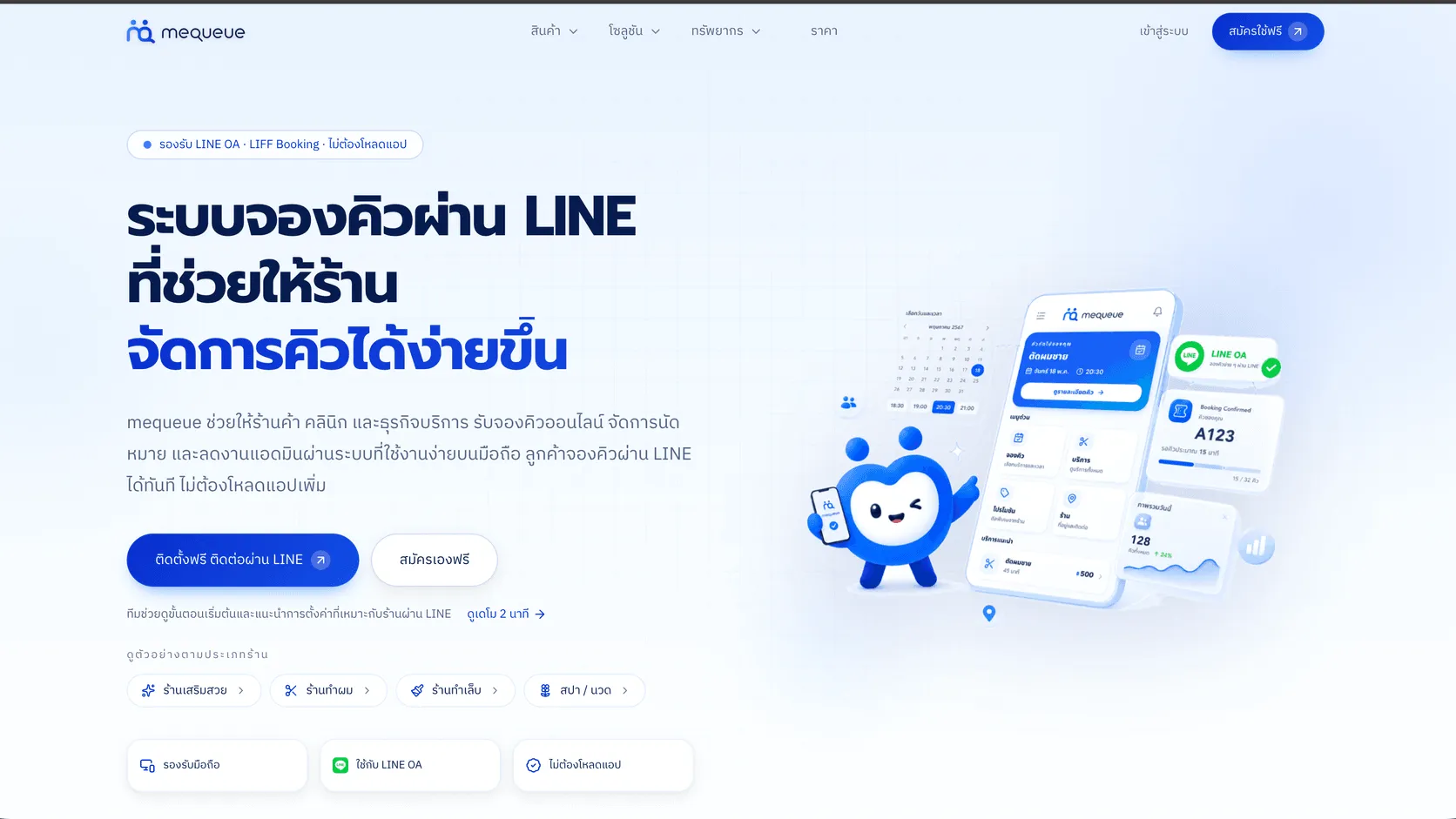
MeQueue
A LINE-based queue and appointment platform for service businesses, with a mobile booking flow for customers and appointment management for staff.
Explore MeQueue →
Valcot Partners
A corporate website that makes services, process and essential information easier to evaluate while presenting a confident, professional brand.
Explore Valcot Partners →Web application requirements: a brief you can estimate and accept
Turn workflows, roles, data, integrations and failure cases into an estimable brief, with a worked appointment example and acceptance checklist.
Explore Web application requirements: a brief you can estimate and accept →