
Games with phone controllers: choosing a game to play together
Choose a game with phone controllers by checking player limits, the Host screen, local Wi-Fi, supported systems and licences, with Brain Box Duel as an example.
A phone-controller game uses one computer as the main screen and phones to send answers or commands. It can make shared play convenient with devices you already own. Choose by the actual player limit, network requirements and Host setup, rather than the word multiplayer alone.
Separate the Host from the controllers
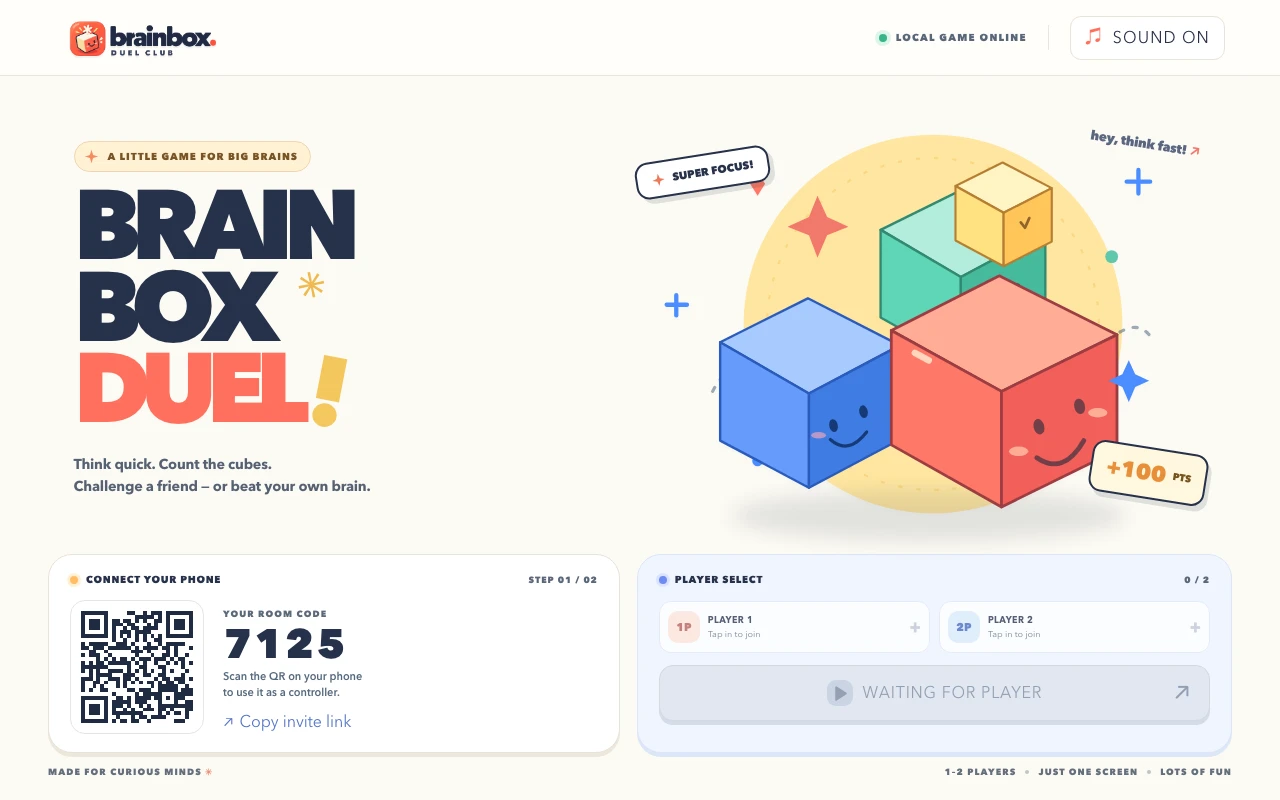
The Host runs the game and displays the shared screen. Phones connect as controllers. Brain Box Duel runs on a computer and uses phone browsers for input. One licence activates one Host computer; up to two phone controllers join free. This does not mean the whole game is free or that it supports unlimited players.
Check the player count and kind of play
Brain Box Duel supports 1–2 players, for solo play or a duel with a friend. Players track and remember boxes on the shared screen. It is not primarily an action game controlled by moving your phone. For a larger group, check the other game’s actual controller limit before buying.
| Check | Why it matters | Brain Box Duel |
|---|---|---|
| Players | Multiplayer does not specify a player limit | 1–2 players |
| Main screen | Controllers may not show the complete game | Computer Host and shared screen |
| Network | Some games require local connections | Computer and phones on the same Wi-Fi |
| Licensing | Host and controller rights can differ | One Host licence; phone controllers join free |
| System | Downloads must match OS and architecture | Windows x64; Apple Silicon or Intel Macs |
The same Wi-Fi name does not guarantee connectivity
Guest Wi-Fi and client isolation can prevent a phone from reaching the Host. Check that the game displays the correct room address or QR code and that your devices can communicate on the network. On a managed network, ask the administrator about local device connectivity rather than disabling network protection.
Choose for the experience your group wants
- Memory games: make sure everyone can see the shared screen and understand the rules.
- Fast answers: check phone button size and connection stability.
- Mixed ages: review real screenshots and on-screen instructions together.
- Computer-hosted games: check the OS, browser and process that must remain open.
What Brain Box Duel offers
Brain Box Duel has 16 rounds, eight challenge modes and adaptive difficulty. It suits players who enjoy attention and memory games. Review the actual screens and rules, then choose for the shared experience your group enjoys.
Review the licence before buying
The product page provides the current price and purchase terms. You can download the application package, but licensed play requires activation on the Host. Internet access is needed for activation and periodic licence checks. Review the setup guide before moving to a different computer.
Follow the Brain Box Duel setup guide →