
Set up Brain Box Duel: download, activate the Host and connect phones
Start Brain Box Duel on Windows or macOS: choose a ZIP, run Start, activate your licence and connect phone controllers by QR on the same Wi-Fi.
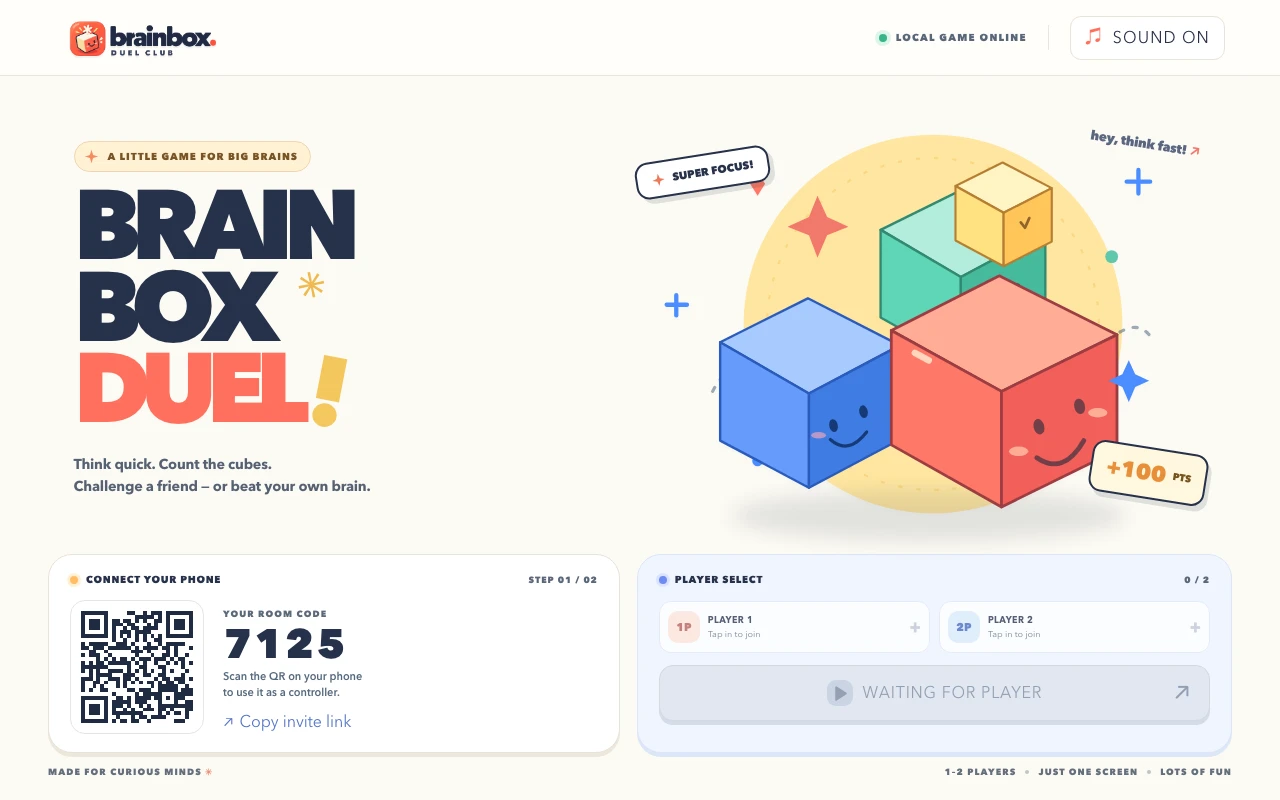
Brain Box Duel is a memory game for 1–2 players. A computer runs the Host and shared screen; phones provide input. Downloading the application, activating a licence and joining a room are separate steps. This guide helps identify which step needs attention.
1. Check the system and network
- Host: Windows 10/11 x64 or macOS 13.5 and newer on Apple Silicon or Intel.
- Use a WebGL-capable Safari, Chrome or Edge browser.
- Put the Host and phones on the same Wi-Fi without guest/client isolation.
- Have internet access for activation and periodic licence checks.
2. Choose the correct ZIP
| Host computer | Package |
|---|---|
| 64-bit Windows | Windows x64 |
| Apple Silicon Mac | macOS ARM64 |
| Intel Mac | macOS x64 |
Download from the Store product page and extract the entire folder. The package includes a Node runtime; you do not need to install Node or npm. Keep Start alongside the bundled files instead of moving it out of the extracted folder.
3. Run Start and activate the licence
Open Start in the extracted folder and use the browser address displayed by the launcher. Activate the Host using the License Key from your Store account. Downloading the ZIP is not activation. If a key is missing, check your purchased products and order status in the account.
The current portable ZIP is unsigned and unnotarized, so the operating system may show a security prompt. Verify the T2ETECH download source and release information before continuing. Stop and contact the team if the source or message is unexpected.
4. Connect phones using the Host QR
With the Host ready, connect phones to the same Wi-Fi and scan its QR code. Join through the phone browser to receive a player slot. Phone controllers do not require separate purchases, but the game still supports at most two players.
5. Keep the Start window open
Start runs the service the controllers reach. Closing that window can stop the room even if the browser tab remains open. Keep the Host and launcher running during play, then close them after the session.
Troubleshoot the step that stopped
| Symptom | Check first |
|---|---|
| Phone cannot join | Same Wi-Fi, current QR, client isolation and running Host |
| Start does not open the game | Full ZIP extraction and the correct platform package |
| Game opens but play is unavailable | Host activation and licence state |
| Activation on another computer fails | Device limits and account device management |
| Game graphics do not display correctly | WebGL support and stated system requirements |
A free download is different from free licensed play
Phone controllers join free and the Host package is available to download. Licensed play still requires activation on the Host. Check the current product page for price, terms and release downloads before purchasing or updating.
Choose a phone-controller game for your group →